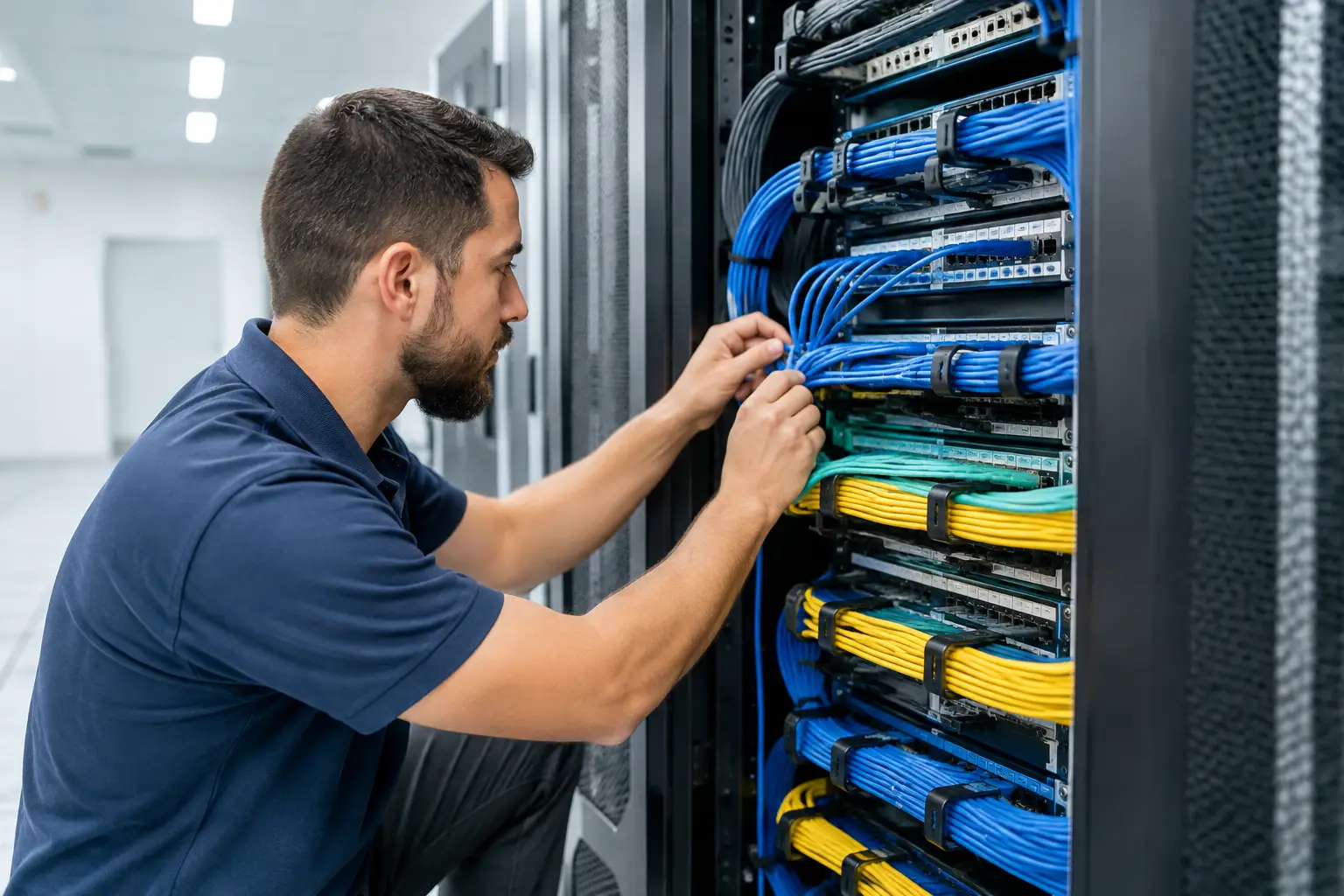
A weak Wi-Fi signal is not always a Wi-Fi problem. In many homes and businesses, the real issue is that internet service enters one location while the people, devices, cameras, and workstations that depend on it are scattered everywhere else. A properly planned data cabling installation creates the wired foundation those connections need, reducing dead zones, dropped calls, lagging video, and unreliable smart devices.
For a home office, that may mean a hardwired connection where work actually happens. For a retail space, medical office, warehouse, or growing local business, it can mean organized cabling that supports computers, phones, point-of-sale equipment, access points, security cameras, and network hardware without turning ceilings and closets into a tangle of mystery wires.
What Data Cabling Installation Actually Includes
Data cabling is the low-voltage wiring that carries network, phone, video, and other communications signals. Most modern projects use Ethernet cable, commonly Category 6 or Category 6A, terminated at wall jacks and connected back to a central network location. That central point may include a structured media panel, patch panel, network switch, modem, router, and battery backup equipment.
The cable is only one part of the system. Good results also depend on the cable route, jack locations, termination quality, labeling, separation from electrical wiring, and testing after installation. A cable run that looks fine from the outside can still cause intermittent problems if it is bent too sharply, damaged during pulling, poorly terminated, or installed where electrical interference is likely.
In a residential setting, structured cabling may support wired internet, mesh Wi-Fi access points, television equipment, doorbells, cameras, alarm systems, whole-home audio, and smart-home controls. In a commercial setting, the same principle applies at a larger scale: create a dependable pathway from the network room to every place technology needs to work.
Start With How the Space Will Be Used
The best time to plan data wiring is before walls are closed during construction or remodeling. That said, existing homes and occupied businesses can often be wired carefully by using attics, crawlspaces, closets, accessible chases, and exterior-rated pathways where appropriate. The approach depends on the building layout and what must remain undisturbed.
Before cable is selected, identify the rooms and equipment that need dependable connections. A desk used for video meetings has different needs than a guest bedroom. A conference room may need connections at a wall display and under a table. A business may need dedicated runs for workstations, wireless access points, cameras, phones, printers, and networked equipment.
It also helps to think one step ahead. A room that is currently a nursery may later become an office. A detached garage may become a gym, workshop, or entertainment space. Adding extra cable during a renovation is usually far less disruptive than reopening finished walls later.
Choose Locations That Make Sense
A wall jack should be placed where the equipment will live, not merely where it is easiest to reach. Consider furniture placement, television mounting, desk orientation, and whether a device will need power nearby. For ceiling-mounted wireless access points or cameras, plan the data location and the power method together.
Many network devices can use Power over Ethernet, often called PoE. This technology allows compatible equipment, such as access points, cameras, and certain phones, to receive power through the same network cable that carries data. It can reduce the need for a separate receptacle at the device location, but the switch or injector supplying power must be correctly selected and installed.
Cat6 or Cat6A: The Right Cable Depends on the Plan
Category 6 cable is a practical choice for many homes and small businesses. It supports gigabit network connections and can support higher speeds over shorter distances under the right conditions. For many everyday uses, including streaming, work-from-home setups, cameras, and standard office devices, it provides excellent performance.
Category 6A is larger and less flexible, but it is designed to support 10-gigabit connections over longer standard cable runs. It can make sense for new construction, larger commercial spaces, equipment rooms, high-bandwidth applications, or projects where future expansion is a primary goal.
There is no universal answer. Installing the highest category cable everywhere may not be necessary for a modest project, while choosing too little capacity can limit an expanding business or technology-heavy home. The right recommendation should account for cable distance, building access, current equipment, future plans, and the capability of the network hardware itself.
Fiber optic cabling may also be appropriate between buildings or across long distances. Unlike copper Ethernet, fiber does not conduct electricity and is not affected by electromagnetic interference in the same way. That makes it a strong option for connecting separate structures, though it requires specialized materials, termination, and equipment.
Routing Cable Safely and Cleanly
Low-voltage cable and line-voltage electrical wiring serve different purposes, and they must be installed with proper separation and support. Running data cable too close to power conductors for extended distances can introduce interference. More importantly, combining systems carelessly can create code and safety concerns.
Professional installation considers pathways before the first cable is pulled. Cables should be supported with appropriate fasteners rather than draped over ceiling-grid components or squeezed beneath staples meant for other materials. They should not be pulled beyond their rated tension, kinked around tight corners, or crushed behind trim. Small installation shortcuts can become difficult-to-diagnose connection failures months later.
Outdoor, attic, garage, and unconditioned-space runs need added attention. South Texas heat can be hard on materials, and cable must be selected for the environment it will occupy. A cable rated for interior wall use is not automatically suitable for an exposed exterior route, direct burial, or a location subject to moisture.
Keep the Network Closet Accessible
Every cable needs a destination. A central network location should be dry, accessible, ventilated, and large enough for present equipment and reasonable expansion. Placing the network hardware in a cramped corner behind stored items makes routine troubleshooting unnecessarily difficult.
A clean setup typically uses a patch panel to terminate permanent in-wall cables. Short patch cords then connect those ports to a network switch. This arrangement keeps the fixed cable protected, makes changes easier, and gives technicians a clear way to identify each connection.
Clear labels are not a cosmetic detail. Labeling both ends of every run saves time when a device is moved, a connection fails, or a new system is added. “Blue cable in the closet” is not a useful record. “Conference Room North Wall, Port 2” is.
Testing Is Part of the Installation
A data cable should be tested after termination, not assumed to work because a device appears to connect. Basic continuity testing can identify obvious faults such as open pairs, shorts, and crossed conductors. More comprehensive certification testing measures whether the installed link meets performance requirements for its cable category.
Testing matters because network problems are often inconsistent. A poorly terminated cable might work for light web browsing but fail during a large file transfer, video conference, or high-speed connection. Testing before walls are repaired or equipment is put into service helps catch those problems at the point when they are easiest to correct.
For larger business projects, documentation should show cable labels, endpoint locations, and test results. This provides a useful record for property managers, IT teams, future renovations, and service calls.
When to Call a Professional
A short patch cable from a router to a nearby device is a simple task. Permanent cabling through walls, ceilings, attics, and commercial spaces is different. It may involve safe access, fire-rated assemblies, pathway planning, electrical separation, equipment mounting, and coordination with electrical, security, audio/video, or smart-home systems.
A qualified installer can assess the building, explain practical options in plain language, and complete the work with a clean finish. Jireh Electric helps San Antonio and South Texas property owners plan data, phone, audio, video, and security-alarm wiring alongside the electrical work that supports modern spaces.
The best data cabling installation is one you stop thinking about because everything simply stays connected. Plan for the devices you rely on now, leave room for the ones you will add later, and make sure every permanent cable is installed and tested with the same care you expect from the technology it supports.